#1 GIF to PNG Converter
Convert GIF to PNG instantly — free, no signup, unlimited.
How to Use GIF to PNG Converter
Follow these simple steps to convert GIF to PNG online in seconds.
Choose one or more GIF files from your device. You can click the select area or drag and drop your GIFs into the converter.
The GIF to PNG converter starts automatically after your files are added. Each GIF is processed locally on your device without extra settings.
When conversion is complete, download your high-quality PNG images. You can save each result individually or download all completed files at once.
Key Features of GIF to PNG Converter
Easy to Use
Add your GIF files and conversion starts automatically. No setup, no sign-up, and no complicated options.
- Automatic conversion
- No sign-up required
- Works in seconds
Privacy Safe
Your GIF files are processed locally on your device. There is no upload step and no server-side file storage.
- No file upload
- No stored files
- Runs on your device
Batch Convert
Convert multiple GIF files instantly. Add more GIFs anytime and download results when they are ready.
- Multiple GIFs at once
- Add more files anytime
- Download all results
High-Quality PNG
Get clean PNG images from your animated GIFs. The converter avoids unnecessary resizing, recompression, and watermarks.
- Clean PNG images
- Transparency supported
- No watermark
What is GIF to PNG Converter?
A GIF is an image format often used for short animations, stickers, memes, and simple motion graphics. A PNG is a high-quality image format that keeps sharp details and supports transparency, making it useful for design, editing, documentation, and sharing.
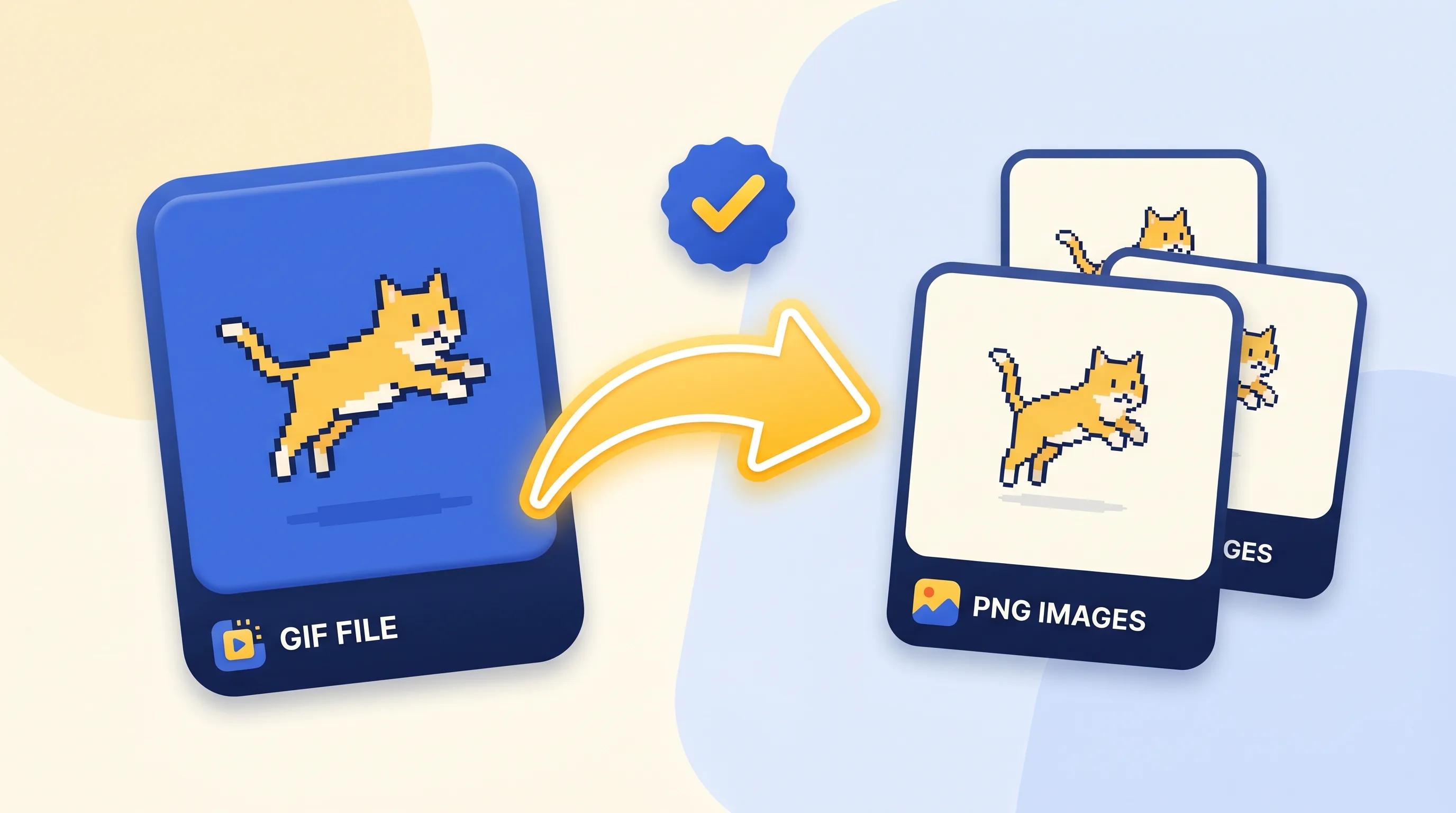
GIF to PNG Converter helps you turn animated GIFs into clean PNG images online. Instead of taking screenshots or using heavy editing software, you can add your GIF, let the converter process it automatically, and download the PNG results when they are ready.
Why Choose GIF to PNG Converter?
A free GIF to PNG tool with no sign-up, unlimited conversions, batch support, and clean PNG output.
- Free and unlimitedConvert GIF to PNG for free with no daily limits, no watermarks, and no hidden paywall.
- No sign-up requiredStart converting right away. No account, email, or login is needed.
- Batch conversionAdd multiple GIF files and convert them in one simple workflow.
- Local processingYour GIF files are processed locally on your device, with no upload step required.
- Easy downloadsDownload each result when it is ready, or save all completed results at once.
- Require payment for full access or hide features behind a paywall.
- Ask for an account, email, or login before converting.
- Limit how many GIFs you can convert for free.
- Upload your files to external servers, creating privacy risks.
- Do not support batch download for completed results.
Frequently Asked Questions
Common questions about using this GIF to PNG converter.
What is GIF to PNG Converter?
GIF to PNG Converter is an online tool that turns animated GIF files into PNG images. You can add a GIF, let the converter process it automatically, and download the PNG results when they are ready.
How do I convert GIF to PNG?
Add your GIF file to the converter, and the conversion starts automatically. When it finishes, you can download the PNG images to your device.
Do I need to install software to convert GIF to PNG?
No. You can convert GIF to PNG directly online in your web browser. There is no software to install, no extension to add, and no account to create.
Is this GIF to PNG converter free?
Yes. This GIF to PNG converter is free to use, with no sign-up, no watermark, and no daily conversion limit from us.
Can I convert multiple GIFs to PNG?
Yes. You can convert multiple GIFs to PNG in one session. Add your files together, and when the results are ready, download them individually or all at once.
What is a GIF?
A GIF is an image format often used for short animations, stickers, memes, and simple motion graphics. GIF files can contain movement, which is why they are commonly used online.
What is a PNG?
A PNG is a high-quality image format that keeps sharp details and supports transparency. It is commonly used for design, editing, documentation, and sharing images without losing quality.
When should I use GIF format?
Use GIF when you need a simple animated image, such as a short loop, reaction image, sticker, or meme. GIF is useful for motion, but it is not always the best choice for high-quality still images.
When should I use PNG format?
Use PNG when you need a clear, high-quality still image. PNG is a good choice for screenshots, graphics, transparent images, design assets, and images that need to stay sharp.
Convert GIF to PNG Online
Start your GIF to PNG conversion now. Free, fast, and no sign-up required.